TikTok Organic
With the TikTok Organic data source connector in Slingshot, you can build visualizations based on unpaid TikTok performance data.
Connecting to TikTok Organic
To connect the TikTok Organic data source, follow the steps below:
Click/tap on the + Dashboard button in a dashboard list.
Choose Blank Dashboard.
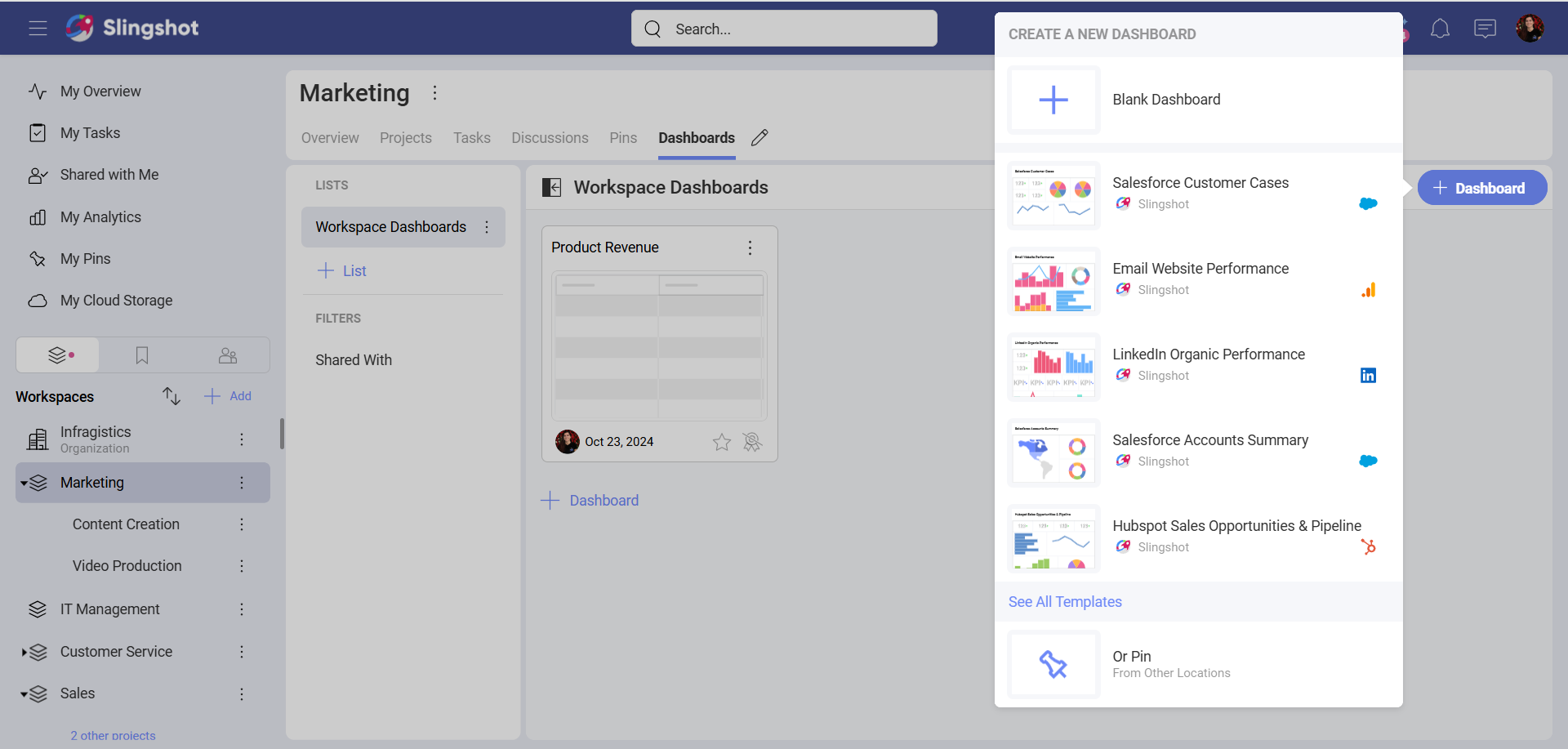
- Click on the +Data Source button.
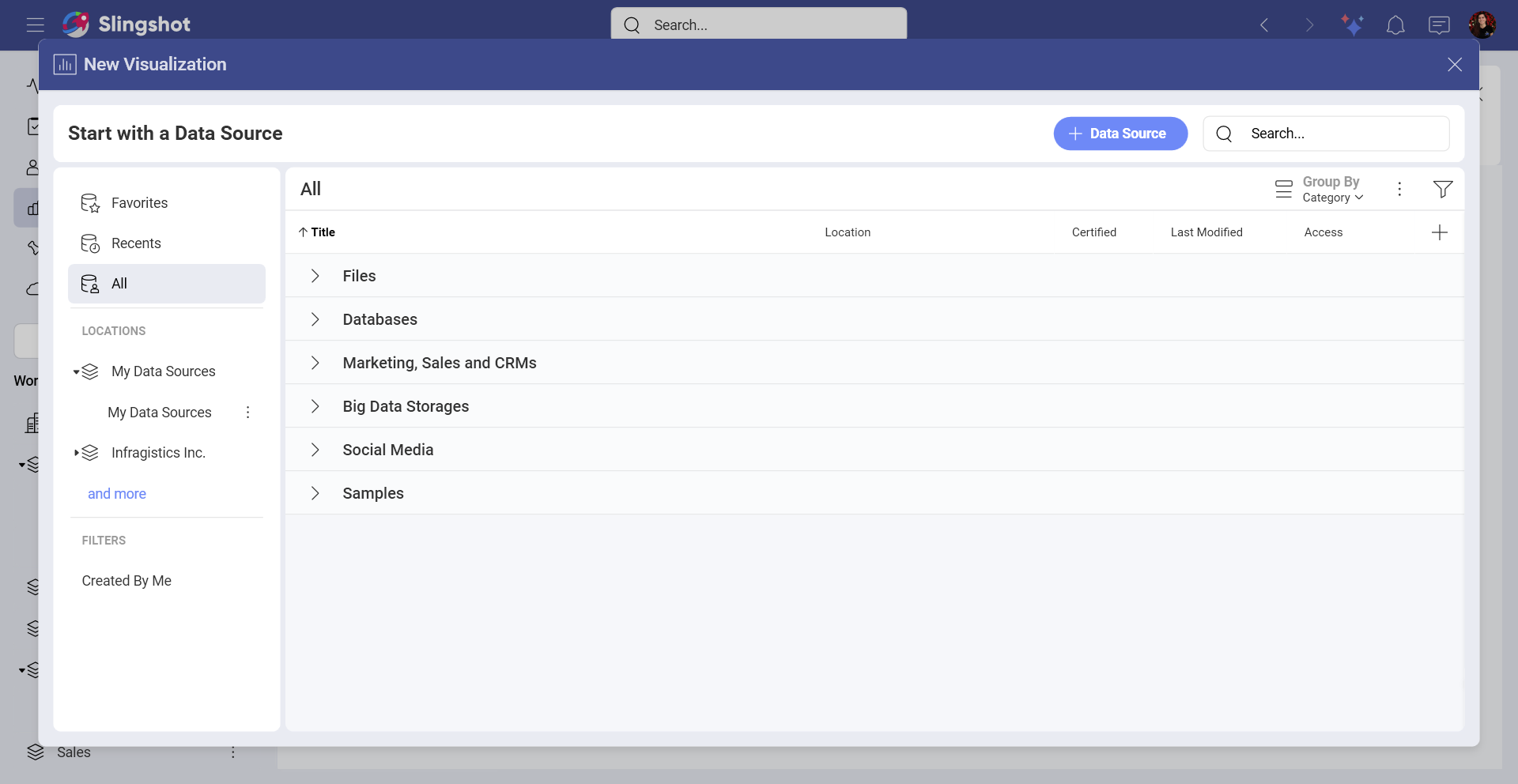
Select TikTok Organic that is under Social Media in the Data Sources list.
You will be prompted to log in with your TikTok profile.
Setting Up Your Data
After connecting to TikTok Organic, you will need to:
Add an account. You will be presented with one or more TikTok Organic accounts to choose from. Select the account that you want to analyze and click/tap on Select and Continue.
Add the Data Source. Before adding the data source, you can change the account name, add an appropriate description, see if the data source is certified (available to Enterprise users), and edit the details.
Choose a table.
Working in the Visualization Editor
Once you have chosen a table, you will be taken to the Visualization Editor. Here you can build a dashboard while using the data within your table.
By default, you will see the Column chart. You can select it in order to choose another chart type.
When you are ready with the Visualization Editor, you can save the dashboard in My Analytics ⇒ My Dashboards, a specific workspace, or a project.